
Ebooks & Audiobooks - Getting Started
Your digital books are delivered through the free Revise SQE app. Here’s everything you need to know to download, log in, and start reading or listening in minutes.
Key Features
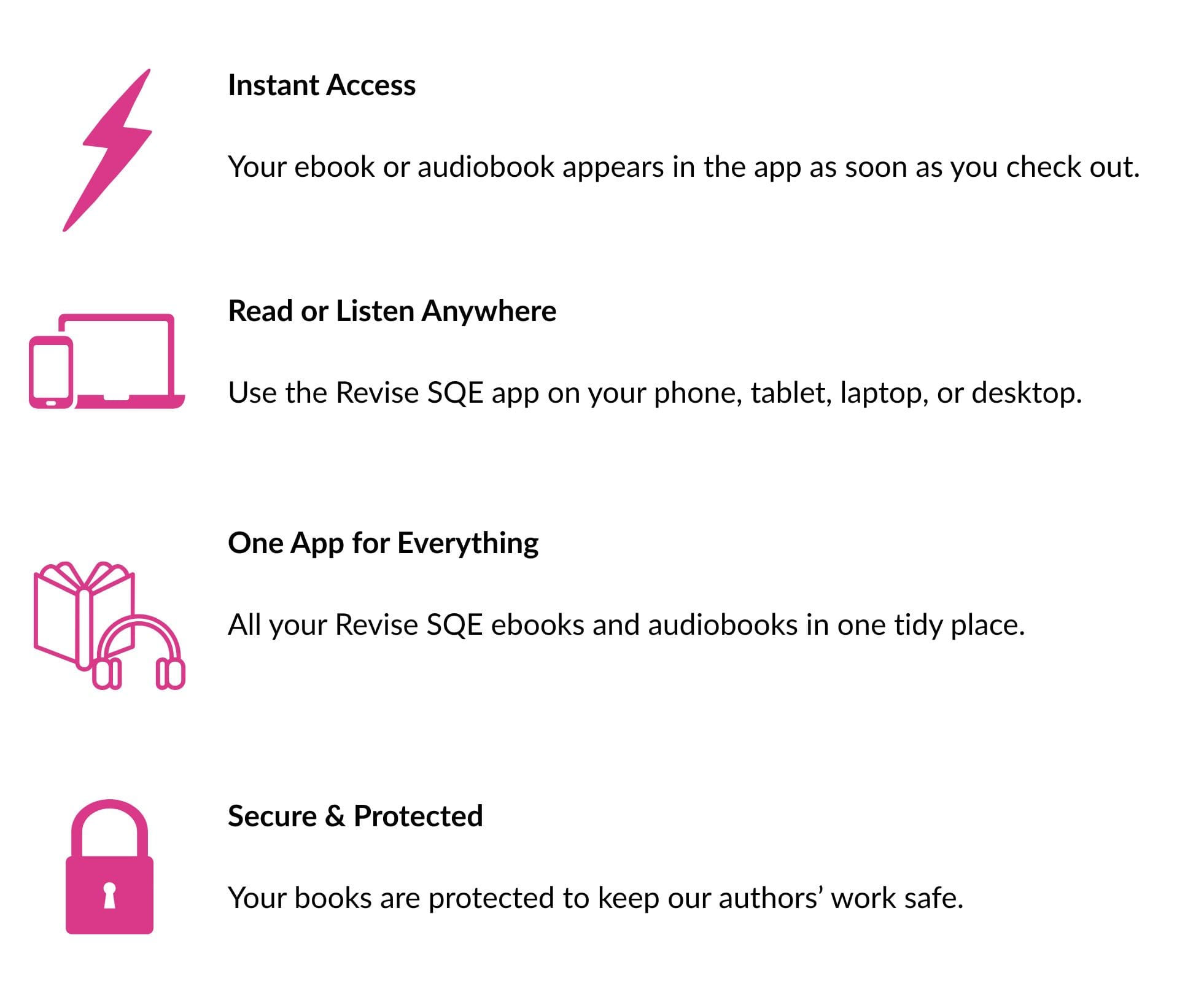
Our ebooks and audiobooks are available through the free Revise SQE app. You can also access your digital library through your web browser.
Here's everything you need to get started.
Download the Revise SQE app
The Revise SQE app is available for:
- iPhone and iPad
- Android phones and tablets
- Windows
- Mac
You can also access your books through your web browser without installing the app.
How to access your ebooks and audiobooks
After purchasing an ebook or audiobook from the Revise SQE website:
- You'll receive an email asking you to activate your Revise SQE account and create a password.
- Download the Revise SQE app or open the browser version.
- Sign in using the same email address you used when placing your order.
- Your purchased ebooks and audiobooks should appear automatically in your library.
Reading and listening offline
Using the Revise SQE app, you can download your ebooks and audiobooks within the app so that you can read or listen without an internet connection.
Our digital products are not supplied as unrestricted PDF, EPUB, MP3 or other standalone files.
The browser version requires an internet connection.
Using more than one device
You can use the Revise SQE app on up to three devices.
Simply install the app on another compatible device and sign in using the same account.
Your account is for your personal use and should not be shared with anyone else.
Using ebook content for study
Your ebooks are provided for your own personal study.
Except with our permission or as permitted by law, you must not share your account or books, distribute copies, or systematically copy or extract substantial amounts of content from them.
For full details about permitted use of our digital products, please see our Terms and Conditions.
Troubleshooting
Haven't received your activation email?
Please check your spam or junk folder and make sure you're checking the email address you used when placing your order.
If it hasn't arrived, contact revisesqesupport@hobbs.team.
Having trouble logging in?
Make sure you're using the same email address you used when placing your order.
If you've forgotten your password, use the password reset option on the login screen.
If you're still having trouble, contact revisesqesupport@hobbs.team.
Problems with the app?
If you're having technical problems with the app, please contact revisesqesupport@hobbs.team.
You can also try accessing your library through the browser version while the problem is being resolved.
Can't see your books?
Try signing out and signing back in.
If your books still don't appear, contact revisesqesupport@hobbs.team and include your order number if possible.
Returns and refunds
If you're having trouble accessing a digital product, please contact us so that we can try to resolve the problem.
If you've changed your mind about a digital purchase, please see our Returns Policy for information about digital refund requests.
Nothing in our Returns Policy affects your statutory rights.
Prices and VAT
Prices displayed on our website include any applicable VAT. Where VAT applies, the VAT element may be identified separately at checkout.
Need help?
For help with an existing order or accessing your ebooks or audiobooks, contact: revisesqesupport@hobbs.team
For questions before purchasing, please use our Contact Us page.